Lockscreen
Prediction
System
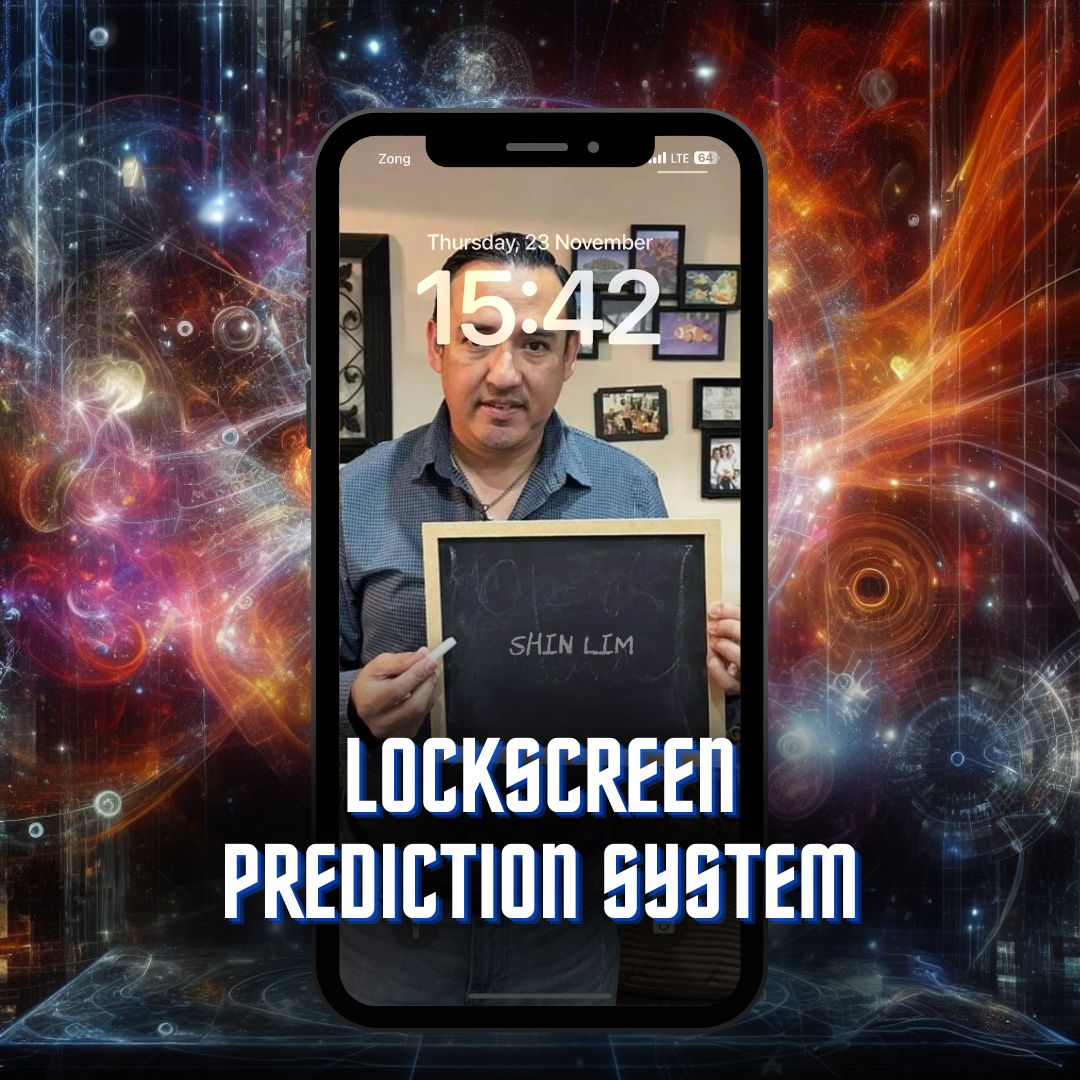
Personalized Photo Predictions on Lockscreen
LPS allows you to seamlessly reveal any thought your participant has — whether it's a crush name, celebrity name, date, number, or place — directly on your real lockscreen with your own personalized photo.
LPS uses your own fully customized photo for the lockscreen reveal, adding that personal touch to every prediction.
Everything You Need
Key Features
Real Lockscreen
Uses your actual phone lockscreen for the revelation — nothing fake or simulated.
Multiple Input Methods
Works with Inject, WikiTest, Elips, RainMan Pro, Cipher Pro, Cognito, and Maxim Apps.
No Forces
Your participant can think of any name, date, number, or place — completely free choice.
Personalized Photo
Uses your own fully customized photo for the lockscreen reveal, adding a personal touch.
See It In Action
Watch LPS in Action
In-Depth Reviews
Expert Reviews
LPS — Review & Demo
Full performance & breakdownLPS — In-Depth Review
Detailed review & verdictLPS — Full Walkthrough
Complete review & analysisSimple Process
How Does It Work?
Upon placing your order, you will have to fill out a form (link sent to you via email) to submit your picture and app information. Following the form submission, you will receive downloadable files and instructionals for LPS within 24–48 hours.
Place your order and receive the form via email.
Submit your picture and app information through the form.
Receive your customized files and instructionals within 24–48 hours.
Set up LPS and start performing mind-blowing lockscreen predictions.
Compatibility & Requirements
You can use any of the popular magic apps like Inject, WikiTest, Elips, RainMan Pro, Cipher Pro, Cognito, and Maxim Apps as input method for LPS.
LPS uses the Shortcuts App on iOS and is only available for iPhones.
Frequently Asked Questions
Yes. Click the "Buy Now" button and on the FastSpring checkout page, tap "Other Payment Method…" underneath the black Apple Pay button, then choose PayPal as the payment method.
VAT is automatically added depending on your location. If you notice VAT being added, you can try changing your country to one where VAT is not applied (e.g., Pakistan or Hong Kong), which may help remove the additional tax.
No, LPS uses the Shortcuts App on iOS and is only available for iPhones.
Video and audio broadcasting of any kind (TV, film, radio, or online) is not permitted with this purchase. This system may only be used in live, in-person performances. All performance rights remain reserved and can be obtained by contacting info@mysterypk.com.